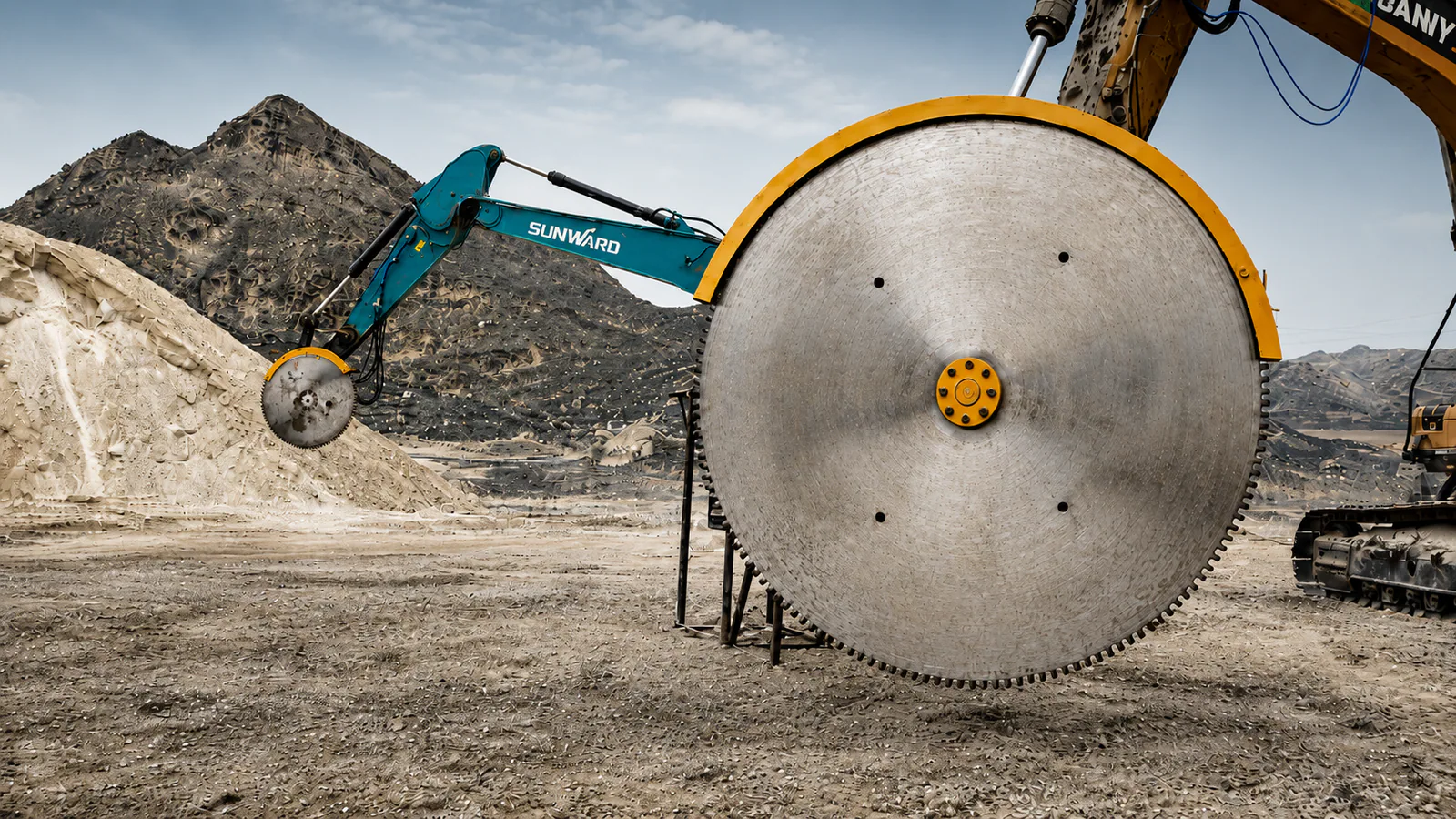
The blade spins normally with no load, then slows sharply as soon as it touches the stone. Or the same setup cuts more slowly after moving to another jobsite. Work falls behind, and it can be hard to know what to tell the supplier. Start by identifying when the saw began to slow down and what changed around that time.
These five checks cover routine wet cutting with a diamond-blade rock saw. Work through them in order whether you operate the saw or collect information for a customer. Carbide-tooth discs and other configurations need their own checks. Follow the manuals for the specific machine and blade for operating procedures, settings and servicing.
Stop work if you find damage
If the blade is cracked or distorted, a segment is damaged or missing, or you notice unusual vibration, looseness or leaks during operation, stop work and have qualified personnel inspect the equipment. Before looking closely, cleaning or removing or fitting components, follow the equipment’s shutdown, power isolation and residual pressure procedures and wait for the blade to come to a complete stop. Do not make another test cut with known damage or remove the guard to watch the blade.
1. Identify what changed before the saw slowed down
Cutting conditions can vary even within the same type of material. Rock composition, hardness and abrasiveness affect blade behaviour. Whether concrete contains reinforcing steel also affects blade choice. Check whether the slowdown began after a change in material, jobsite or blade, or after increasing the cut depth.
Was the first test cut already slow, or did cutting slow down after working normally? Had the material or blade just changed? Did the depth of cut, excavator or auxiliary circuit settings change? Comparing conditions before and after the slowdown gives the supplier more to work with than saying the machine feels underpowered.
2. Check the blade even if the segments still have height
First confirm that the blade is suited to the material. Then check its diameter, mounting dimensions and allowable speed against the rock saw’s requirements. If the slowdown began after a blade change, compare the old and new specifications. A larger blade changes the demands on the drive, even if it fits the mount.
A diamond blade can struggle to cut even when the segments still have height left. A blade bond that is unsuitable for the material, for example, can leave the cutting face glazed. After shutdown, photograph the whole blade, the segments and the specification markings for the supplier. Check more than segment height before deciding the blade is sound. Do not grind, repair by welding or modify the blade yourself.
3. Check that water reaches the cut
Diamond-blade rock saws normally require wet cutting. Dry cutting is generally inadvisable. A filled tank and connected lines do not guarantee adequate cooling throughout the cut. Check that water flows continuously and reaches the right location. Look for blockages or damage in the nozzles and lines.
If water stops flowing, do not continue cutting with a wet-cutting blade. Any blade rated for dry cutting still has to match the machine and operating conditions.
4. Verify the hydraulics at the rock saw
Excavator tonnage is an initial check. Confirm the flow, pressure and circuit conditions actually available to the saw. The excavator’s maximum hydraulic flow, the limits listed in a specification table and the current attachment circuit settings can differ. When reading BETENSH specifications, check which figure is the recommended hydraulic flow and which is the maximum.
Hydraulic flow affects motor speed, and the torque needed under load relates to pressure. A circuit that runs a hydraulic breaker still needs to be checked for the current saw configuration. Have a qualified technician consult both equipment manuals to check flow, pressure, return requirements and any case drain requirement. Where necessary, have them measure performance under load. Do not raise the relief pressure yourself to prevent stalling or exceed the equipment’s ratings.
5. Check whether feed or cut alignment is slowing the blade
If the blade slows sharply on contact, pushing harder can make stalling worse. Match the feed to what the drive can sustain. Check for a cut that is drifting out of line, an unstable excavator or side pressure on the blade.
Once the equipment has been confirmed undamaged and the operating conditions are suitable, a trained operator should follow the manual when adjusting feed and depth per pass. Keep the blade aligned with the cut. Do not pry with the side of the blade or twist it in the cut. Suitable cutting technique varies with the material and setup, so use the conditions on site to judge feed rather than copying a speed from another jobsite video.
Six things to gather before contacting the supplier
You can report the problem before reaching a diagnosis. Send the information you already have. A qualified technician can fill in any missing measurements.
- The full excavator model and the rock saw model or a photo of its nameplate.
- The blade diameter and specification markings, with photos of the whole blade and its segments taken after shutdown.
- The material type, whether any concrete contains reinforcing steel and the target cutting depth.
- When the problem began and whether the material, blade, carrier or circuit settings changed.
- The current hydraulic settings and any measurements already taken by qualified personnel.
- The wet-cutting water supply conditions and any operating video filmed from a safe area. Do not repeat a hazardous malfunction to record it.
Dealers, rental companies and repair shops can pass this checklist to the operator on site. Contractors can use it to put together a complete report. The equipment, material, timing and observed behaviour together help the supplier decide what to check next.
If you are choosing a rock saw, read the excavator rock saw selection guide or see the BETENSH rock saw product page. Use the material, target cutting depth and full excavator model to discuss the configuration.